Create a List of Your Favorite Items
Create a List of Your Favorite Items
If you want to keep your own list of favorite items, that you can add to your cart whenever you need to buy them again, then please follow these steps. A product can be added to your Favorites in any of the following ways:
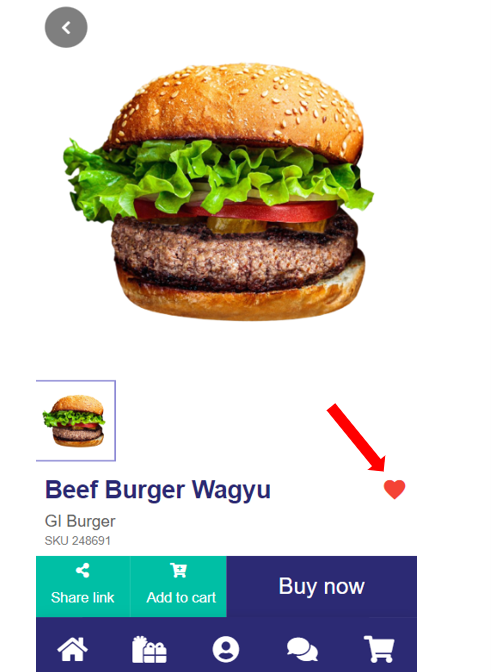
- On the product page, click the heart icon next to the product name, it will change to red when selected:
- On the cart page, click the heart icon below the product, it will change to red when selected.
To view your Favorite Items, click on the Profile icon in the middle of the menu bar at the bottom of each screen or on your username in the top right corner:
Then click on the “view” button next to Favorite Items:
All your Favorite Items will be displayed, and you can simply add to cart as you require.
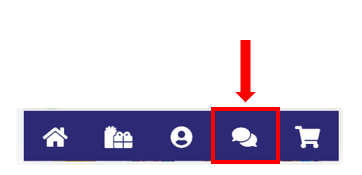
As always, if you have any questions, please reach out to us via the live chat button on our website.