Want to quickly find the products you have bought from Villa Market before? Well, that’s easy! All of the products you have bought previously online will be saved in your History Items section to make it easier for you to re-order them.
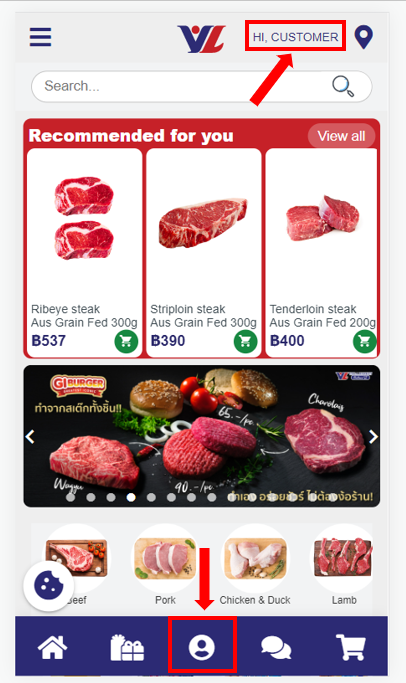
Simply click on the Profile icon in the middle of the menu bar at the bottom of each screen or on your username in the top right corner:
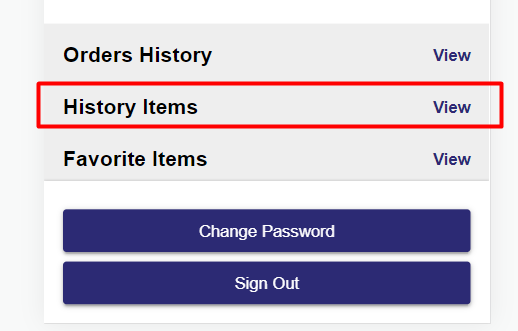
Then click on the “View” button next to History Items.
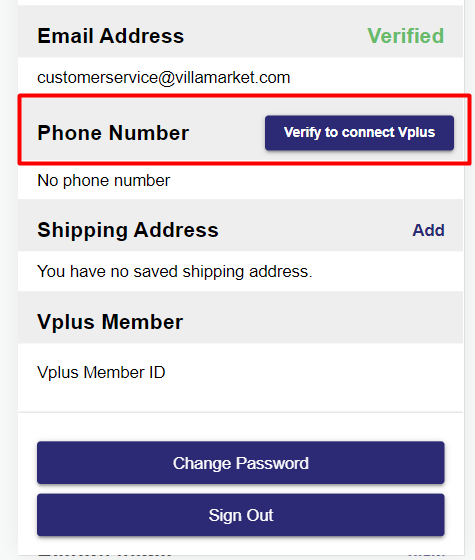
If you want to update your History Items to include items you have previously bought in-store when using your Vplus card, you can do so via linking your Vplus member number to your Shop Online account.
On the Profile page, click on the “Verify to connect Vplus” button and enter your phone number. If your phone number matches the number we have in our Vplus member database then your Vplus account will be linked to your Shop Online account and you will be able to see all your product purchases, both online and in-store.
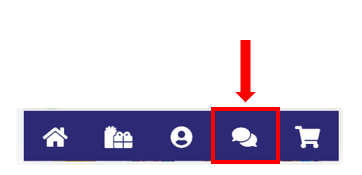
As always, if you have any questions, please reach out to us via the live chat button on our website.